
1. What is the Elite Lounge, and how does it work?
The Elite Lounge is a new, secure way for players to purchase tokens and special deals directly through our official website.
Direct Checkout: When you select a package in the game, you’ll be redirected to a secure checkout page on classiccasino.com.
Unified Payment Flow: Once you enable the Elite Lounge option, all your purchases— including limited-time pop-up offers—will automatically be processed through this new checkout method.
Cross-Platform Consistency: Your choice to use the Elite Lounge stays the same across any device where the feature is available.
2. What bonus do I get for using the Elite Lounge?
Using the Elite Lounge gives you extra value on token purchases:
5% Extra Tokens: You receive up to an additional 5% tokens every time you buy a pack that includes tokens.
Stacks on Sales: This 5% bonus is added on top of any promotions already active (such as Flash Sales or Sticky Sales).
Token-Only Bonus: The bonus applies only to the token portion of a pack.
Other Purchases Supported: You can still buy non-token items—like Premium Passes—through the Elite Lounge checkout, but they will not receive an additional bonus.
3. Can I switch back to the regular in-app store?
Yes! You are always in control and can switch your payment method at any time.
Easy Toggle: On the store page, you’ll see two tabs at the top: Casino Store and Elite Lounge. To go back to your preferred way of purchase, tap on “Casino Store” and you should be able to purchase all the special deals via the Apple Store. Please refer to the arrow icons in the pictures below on how to toggle between Casino Store and Elite Lounge.
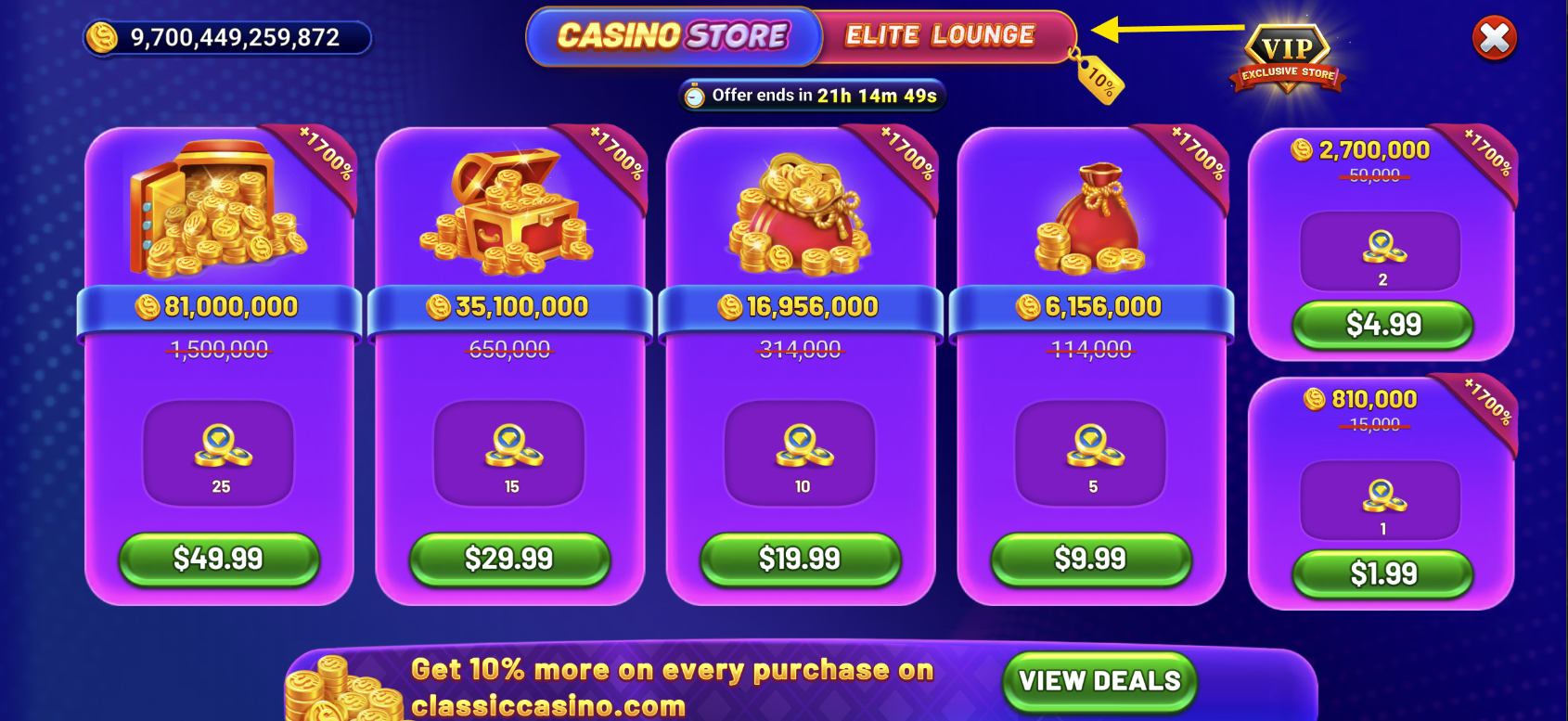
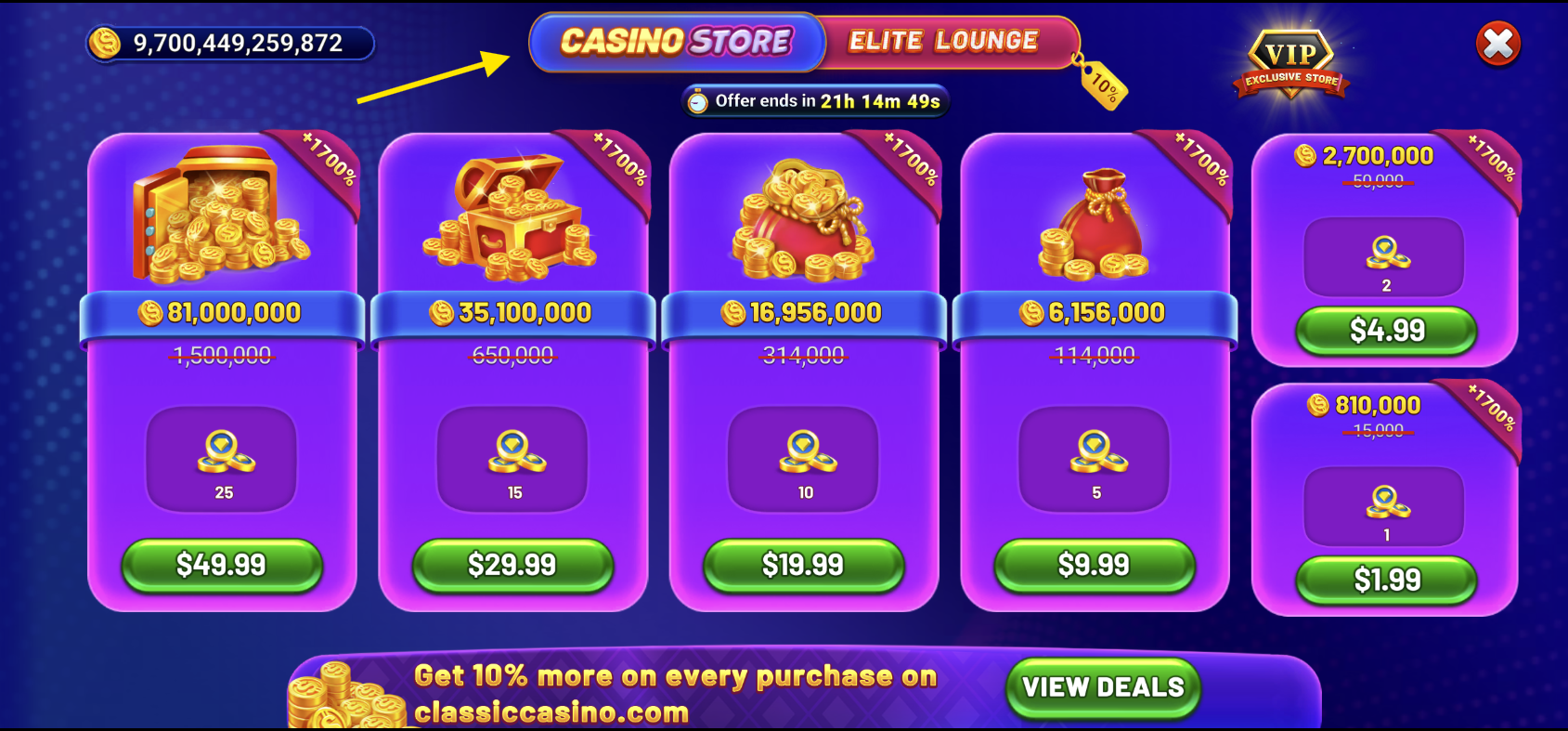
Automatic Platform Handling: If you move to a device where the Elite Lounge isn’t available, the game will automatically use that device’s standard in-app purchase system. Please understand that such purchases will not be eligible for the 5% Elite Lounge bonus.
Reminder Notice: If you switch away from the Elite Lounge, the game may briefly remind you that you’ll miss out on its extra bonuses.
Gift Card Purchases: If you’re using Apple Gift Cards, you must purchase through the traditional in-app store, i.e. the Casino Store option in your shop section. Gift card balances cannot be used for Elite Lounge checkout.
- Please note that the "Elite Lounge" is launched gradually and may not be available to all players. If the option isn't available for you, please feel free to contact our Player Services team and stay tuned for future updates.